
Avoid the Showdown: How to Find Website Images That Minimize Legal Risk
Published 19 December 2025
If you’ve ever spent hours searching for the perfect image online — clicking through hundreds of photos until you finally thought, “This one’s perfect!” — did it ever occur to you that you might have just downloaded a lawsuit?
Welcome to the wild west of online imagery, where copyright laws lurk behind every beautiful photo. The good news? You can have stunning, fully legal visuals for your website without losing sleep (or your profits).
Finding and legally using images doesn’t have to be complicated or expensive. With a bit of know-how — and the right secret weapon — you can build a visually striking, fully compliant website that stands out for all the right reasons.
This article covers six ways to find or create less-risky images for your site plus additional tips, red flags and one very helpful tool.
1. Be Your Own Photographer (or Designer)
With a few caveats, if you create the image yourself, you generally own the copyright (subject to employment, contractor or collaboration arrangements). Snapping your own photos or designing your own graphics means complete control, zero licensing headaches and visuals that no one else can legally copy. Most smartphones these days can take great pictures and have editing options to maximize your results.
Perks of going original:
- Ownership with no licensing fees
- Unique images that reflect your brand
- Zero risk of copyright infringement claims
You can shoot your own content, design graphics using tools like Canva or Adobe Creative Cloud, or hire pros — with a written agreement that transfers copyright to you.
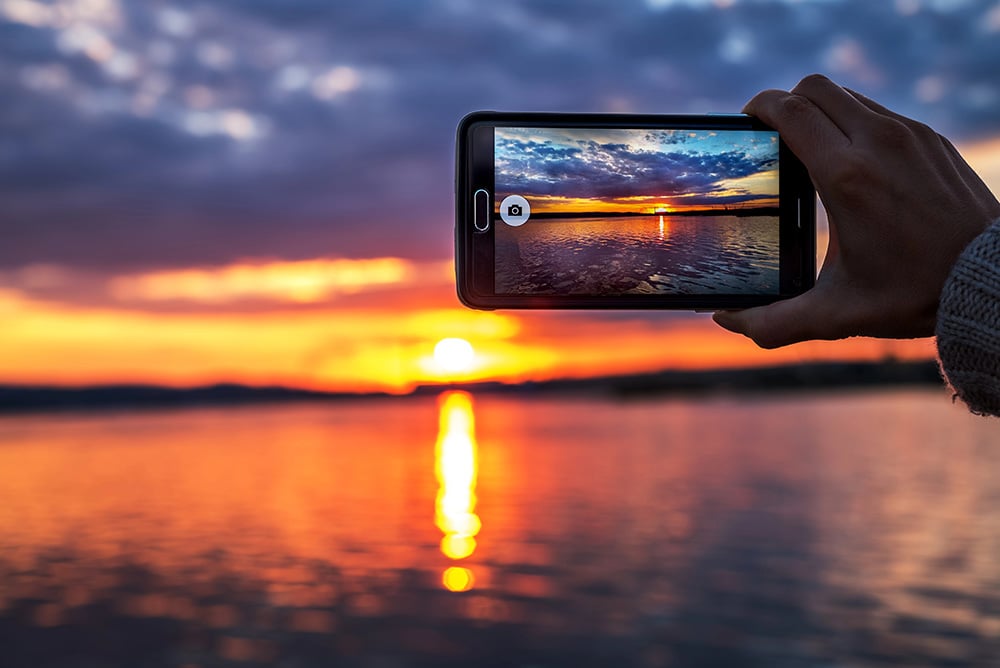
Unless you are taking photos under contract for someone else, you own the images you take.
Example: A boutique hotel that photographs its own rooms and amenities never has to worry about licensing disputes — plus they’ve got the added bonus of authentic, on-brand visuals.
Important Legal Caveat: If you take a photo of a person in which their face is recognizable in the image, depending on the circumstances (including how you plan to use the image), you may need a signed release from that person to use their image in a public way (such as on a website). You should consult with an attorney before using such images. You should also consult an attorney regarding using images of someone else’s private property, copyrighted works, trademarks or service marks.
Note: See AI-Generated Images and Copyright: What You Need to Know Now for helpful information regarding the use of AI-generated images.
2. Paid Stock Photography: The Safe Middle Ground
When DIY isn’t realistic, reputable stock photo sites are the next best thing. They provide professional images with clear licensing and — this is important — legal recourse if disputes arise. Adobe Stock, Shutterstock, iStock and DepositPhotos all offer massive libraries for nearly every niche.
Pro Tips
- Keep your image receipts and license agreements in one retrievable location.
- Depending on its intended use, always verify whether the image is marked “editorial only,” which means no commercial use. With some stock libraries, an Editorial category is available on a menu displayed somewhere on the home page (usually at the top or on the left side of the page). Most commonly, however, the information is displayed directly alongside the image you’re considering.
Your paperwork can shut down a dispute instantly — the polite form of “Go fly a kite.”
If “Editorial Only” is indicated, you can’t use that image for advertising, promotions or any other commercial use. The percentage of editorial-only images varies by stock library but is generally considerably less than 50%. (On Adobe Stock, for example, it’s around eight percent.)
- Understand whether your license covers web, print or both. This information is outlined in the license agreement or terms of use. Most stock libraries provide license information (or terms of use) directly on the individual image’s description or details page, so you can check before you download it.
- Check for model and property releases. A model release is a legal document signed by a person to grant permission for their likeness to be used commercially in photos, while a property release is a similar document signed by the owner of private property to allow a photo of their property to be used commercially. Both are required for commercial use, such as in advertising, to avoid legal issues, especially when identifiable people, recognizable private property or copyright-protected works are included in an image.
- Make sure you’re covered for all domains and projects. This means it’s up to you to check the licensing and copyright status of an image by looking for watermarks, checking metadata or playing Sherlock Holmes to find the source. You can search for terms like “public domain,” “Creative Commons,” or specific license agreements. If the license is unclear, you must contact the copyright owner for permission.
Alternatively, you can use a tool to check the licensing data of your site images so that you can delete or replace risky images — or license anything that is unlicensed — to keep your image rights legit. More on this below.
A few dollars per image is a small price for peace of mind — plus you’ll have documented proof of ownership if anyone challenges you.

Of course, you’ve never seen a bacon-loving dragon breakfasting in the woods and looking pretty goofy (probably the martini). The point is that, depending on your needs, AI could potentially be a good source of unique and original images for you.
- Always read the license (they’re not all the same).
- Verify that the uploader actually owns the rights. You don’t need to worry about this if you’re using a reputable stock photo library. If, however, you’re considering using a random image that you found somewhere (which is not recommended), the onus is on you to establish who the creator is and what licensing is available. Understand that free platforms rely on uploader representations, which may still carry residual risk.
- Check whether attribution is required. Whether you’re dealing with a legitimately downloaded free image or a paid image, don’t assume that you’re free to use it without proper acknowledgement. Certain licenses (whether free or paid) stipulate that you absolutely have to credit the creator, no matter what.
- Save all relevant documentation at the time of download.
Many free photos lack proper model releases (defined above), which can become a legal gray area — especially if you’re using them commercially.
4. Public Domain Images (Copyright-free Gold?)
If you want truly free and clear visuals, look to the public domain. These are works that are no longer under copyright or were never protected in the first place. Where to look:
Viewer beware — not every old-looking image is automatically public domain. Copyright rules differ by country and can depend on publication date, so double-check before using.
“Free” doesn’t mean “risk-free.”
5. Creative Commons: “Free” with Fine Print
Creative Commons (CC) licenses let creators share their work under specific conditions—usually involving attribution.
There are multiple types of CC licenses, ranging from “use freely with credit” to “no commercial use allowed.” Always follow the license terms exactly — one simple slip-up can still count as copyright infringement.
You can search directly on the Creative Commons website to find properly licensed material.
6. Commission Custom Work
When you need something truly tailored — like product photos, brand illustrations or hero images — hire a professional. But get it in writing. Your contract should include clauses that clearly state who owns the copyright (you, not the creator), include “work-for-hire” language and outline where and how the images can be used. Because these rules can vary significantly by jurisdiction, businesses may wish to seek professional advice when commissioning custom creative work.
Example: An e-commerce brand commissions product shots under a contract assigning all rights to them. If a competitor later claims ownership (because they’ve purchased the same images from the scurrilous photographer), the e-commerce company’s paperwork shuts down the dispute instantly. All rights were assigned to them — in writing. Case closed. The politest form of “Go fly a kite.”
The Secret Weapon: ImageVerifier
Even with the best intentions, image sourcing can get messy — especially when you’re juggling paid, free and custom visuals. ImageVerifier can help you significantly reduce your level of risk.
What it does:
- Scans your website
- Cross-checks images against stock agency databases
- Verifies licensing
- Conducts reverse image searches to flag potential risks or unlicensed content
- Generates a database of your scanned images along with an estimated risk level for each.
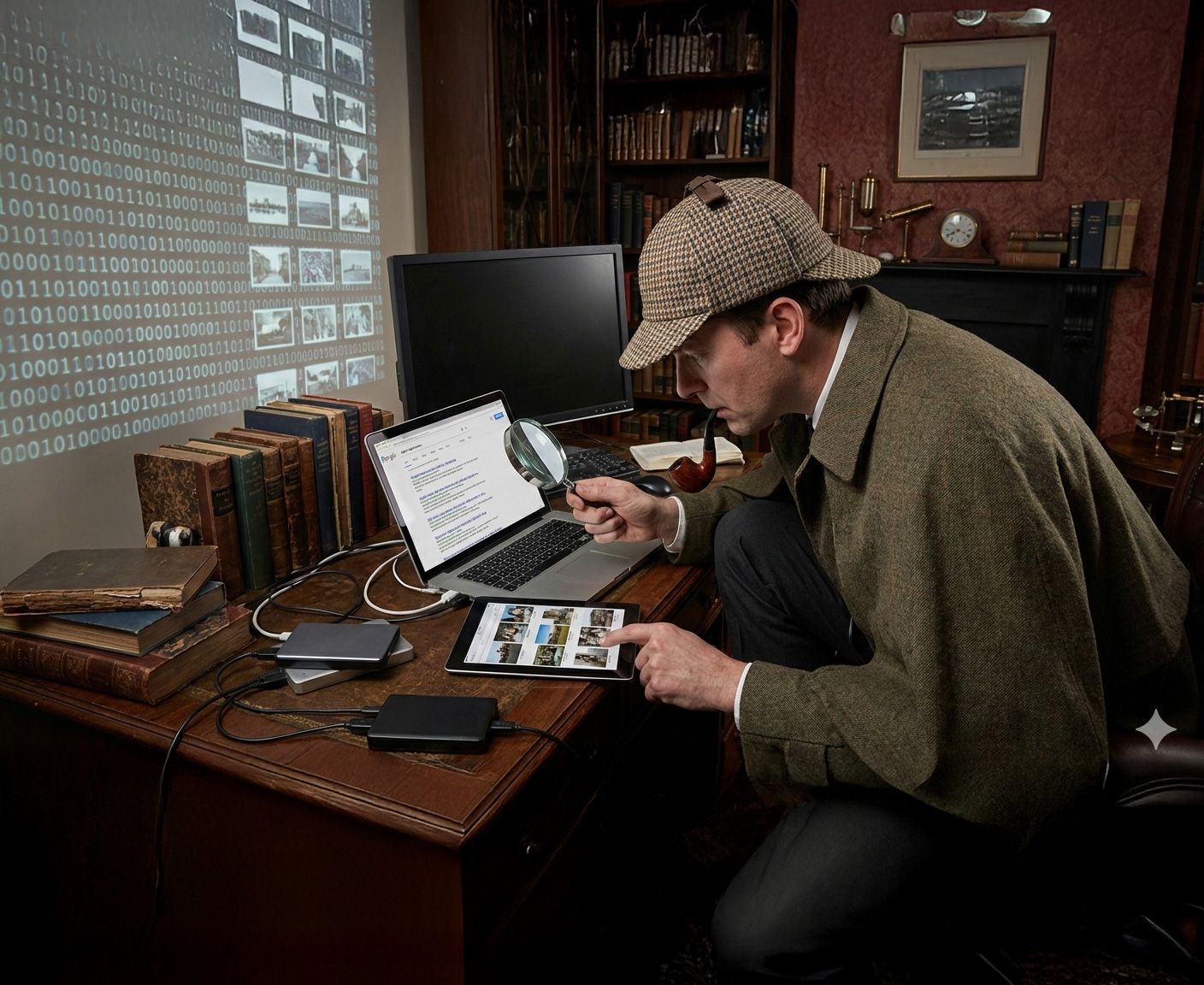
If image ownership isn’t clear, you may have to go a little Sherlock Holmes to uncover the true copyright data.
Example: A marketing department uses ImageVerifier after receiving a copyright infringement claim letter. A scan reveals several unlicensed images across their website — enabling them to immediately license or replace the images before anyone else comes knocking.
Building a Risk-reducing Image Workflow
Step 1. Plan your needs: List what visuals you need and your budget.
Step 2. Choose legitimate sources: Mix original photos, paid stock and public domain images.
Step 3. Keep receipts: Save every license, contract and release in one place.
Step 4. Verify: Run your site through ImageVerifier and fix any flagged content.
Step 5. Stay current: Repeat the ImageVerifier scan regularly — or after updates or image additions — to help you stay compliant.
Your brand becomes something no one can question — or copy.
Red Flags: What Not to Do
- Don’t grab images from Google, Pinterest or social media.
- Avoid “free wallpaper” and meme sites — they can be copyright traps.
- If a site doesn’t list clear licensing info, run the other way.
As a rule of thumb, if something seems “too good to be true,” it probably is.
Free vs. Paid: The Real Cost
- Free images may seem thrifty, but they often come with hidden risks — limited selection, questionable licensing and potential legal exposure.
- Paid images buy you peace of mind, proper documentation, professional support and no attribution headaches.
- Original photography offers unbeatable long-term value — unique content, complete control and zero ongoing fees.
You’ve Got This
- For small and mid-sized businesses: Mix stock and original images, verify everything with ImageVerifier and build good habits early.
- For larger brands: Invest in some custom photography, use paid stock libraries and run regular audits with ImageVerifier.
- For agencies: Standardize your sourcing procedures and use ImageVerifier to validate every client site before launch.
The Final Word
Legal image sourcing isn’t just about dodging lawsuits — it’s about protecting your brand’s integrity and professionalism. By combining legitimate sources, good recordkeeping and a verification tool like ImageVerifier, you can create a site that’s beautiful, compliant and entirely yours.
With visuals as legitimate as your vision, your brand becomes something no one can question — or copy. And there’s a quiet, untouchable confidence in that.
A verification tool helps keep your site images on the straight and narrow.
Disclaimer: The information on this website is provided for general information purposes only and does not constitute legal advice. Nothing on this site creates an attorney–client relationship. Copyright laws vary by situation and jurisdiction, and you should consult a licensed copyright attorney for advice regarding your specific circumstances.
Welcome to the Anti-Troll Tribe!
Thanks for exploring ImageVerifier. You’ll be the first to know once we go live. We’ll send you an email notification as soon as we’re ready. Please fill out the form below to join the waitlist.
"*" indicates required fields