
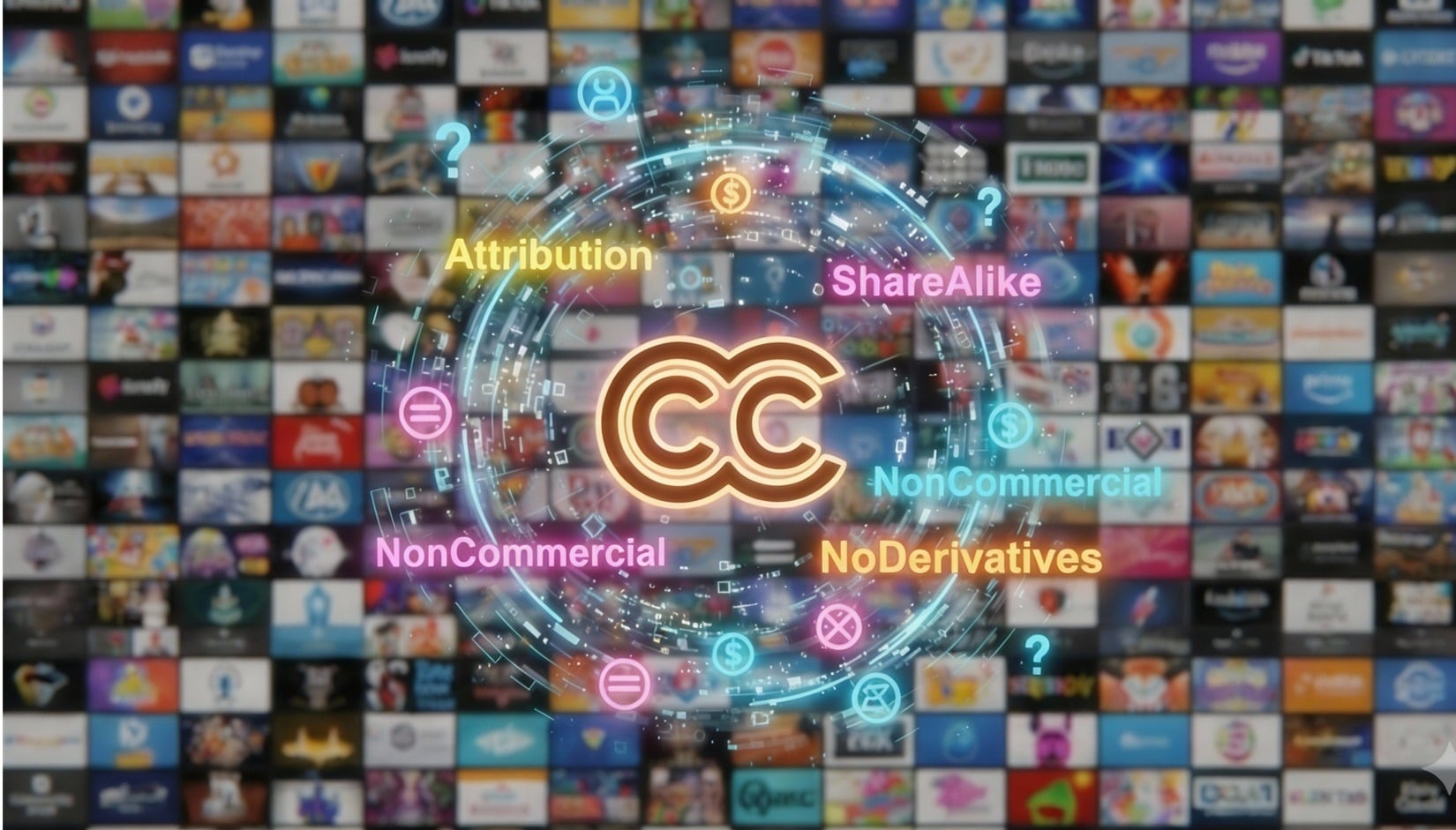
Creative Commons Licensing Mistakes With Potentially Large Price Tags
Published 21 January 2026
“Creative Commons” sounds like the magic words for free and easy content sharing: a dream come true for bloggers, designers and small business owners looking to make their websites pop. But there’s a catch: Misunderstand what those licenses actually mean, and that “free” photo could end up costing you a fortune.
That “free” photo could end up costing you a fortune.
Let’s dispel some of the Creative Commons (CC) confusion and provide some tips that can help you increase the odds of keeping you or your company out of image-based hot water.
What Creative Commons Actually Means
Creative Commons was designed to make content sharing easier, not to strip creators of their rights. It offers a variety of standardized licenses that let creators say, “Here’s what you can do with my work,” without the creator giving up copyright ownership.
But those licenses come with conditions. Violate the terms of a Creative Commons license and your license to use the image is automatically voided, potentially putting you or your organization on the wrong side of copyright law.
It’s easy to see how people get tripped up. “Creative Commons” sounds like everything is up for grabs. But, to quote the famous football coach, Lee Corso, “Not so fast, my friend!”
Some CC licenses forbid commercial use. Others don’t allow edits, or they require that you share your version under the same terms. And no, you can’t always mix and match different CC licenses in the same project.
The key takeaway here is that “Commons” doesn’t translate to “free-for-all.”
Decoding the Alphabet Soup of CC Licenses
Note: The following explanation of the various CC licenses is provided solely for educational purposes, may not be perfect and is definitely not intended as legal advice of any kind.
If you’ve ever seen a license like CC BY-NC-SA and thought it looked like someone fell asleep on their keyboard but had no idea what it meant, don’t worry. We’re going to attempt to decode Creative Commons licenses for you in simple language. Generally speaking:
Creative Commons is not a free all-you-can-eat image buffet. Restrictions apply.
- CC BY 4.0 (Attribution): Use it however you like, even commercially, adapt the image as you wish, but always give appropriate credit as specified by the licensor, provide a link to the license and indicate if changes were made.
- CC BY-SA 4.0 (Attribution-ShareAlike): You may copy and distribute for any purpose, including commercial. You can remix or build on it, but your version must use the same license, indicate if changes were made and, as specified by the licensor, always give appropriate credit.
- CC BY-NC 4.0 (Attribution-NonCommercial): Edit, adapt, copy and share in any format, but only for non-commercial purposes and always with appropriate credit per the licensor, provide a link to the license and indicate whether changes were made.
- CC BY-NC-SA 4.0 (Attribution-NonCommercial-ShareAlike): You’re free to share and adapt the image. Non-commercial use only, give credit as specified by the licensor and you must share your adaptations under the same terms.
- CC BY-ND 4.0 (Attribution-NoDerivatives): With attribution, you may share it (including for commercial use) and must provide a link to the license. No edits, tweaks or cropping allowed.
- CC BY-NC-ND 4.0 (Attribution-NonCommercial-NoDerivatives): The strictest of the bunch: mandatory attribution, a link to the license, no commercial use, no edits or adaptations.
Feel free to bookmark the Creative Commons site for future reference.
The Most Frequent Creative Commons Slip-Ups
Even well-meaning website owners stumble here. Let’s look at the most frequent — and expensive — mistakes.
1. Skipping Proper Attribution
Every CC license (except those in the public domain) requires attribution, and not just any old mention will do. At the least, you need the TASL formula: Title, Author, Source and License.
That means noting the image title, crediting the creator by name (or pseudonym), linking to the source and naming the license with a link to its full terms. Writing “Image from Wikimedia Commons” doesn’t cut it. Wikimedia hosts the image. It doesn’t own it.
Per Wiki Creative Commons, here’s an example of a suggested attribution: “Soft Puppy” by Hannah Lee is licensed under CC BY 4.0/Resized from original.
All the TASL elements are present. The title is provided, “Soft Puppy.” The author’s name is shown as Hannah Lee. The source is available via the title link. The license is listed and linked in the CC BY 4.0. The fact that the image was changed in some way (resized) is noted.
2. Misunderstanding “Non Commercial”
If your website sells products, runs ads, promotes services or generates income, “non-commercial” CC images are generally off-limits. Even an editorial article that merely links to a product page (promoting goods or services for sale) may be risky for most non-commercial licenses. Many small businesses learn this lesson the hard way when a licensor demands compensation for unauthorized commercial use.
3. Editing “No Derivatives” Works
“No Derivatives” means that no changes whatsoever — not even cropping, color correction or combining it into a collage — are allowed. Those small edits count as derivative works and they violate the license.
4. Trusting the Wrong Sources
Not all CC-labeled images are what they seem. Anyone can upload a photo to Flickr or Wikimedia Commons and select a CC license, even if they don’t own the copyright. Some do it by mistake, others perhaps not so innocently.
That’s why using CC-licensed images from third-party sites can be risky. A mislabeled photo is still a copyright violation, even if you found it “under a Creative Commons license.”
You can do a reverse image search on Google to establish whether the image appears on a major stock site.

Some images are falsely labeled as CC images. Using them can land you in legal trouble. Verify, verify, verify.
Beware of scammers who sometimes use a tactic where they license an image under an older CC version, such as CC BY 2.0 or 3.0, which has a “gotcha” clause. If you make even a tiny mistake in attribution, the license is automatically terminated and they can sue.
Tip: Wherever possible, opt for CC 4.0 licenses. This version includes a “30-day cure period” that allows you to fix an attribution mistake without losing your license.
5. Forgetting That Licenses Can Terminate
Here’s one to remember: All CC licenses automatically terminate if you violate their terms.
Under CC 4.0, you have the above-mentioned 30-day grace period to fix the mistake and regain your rights. Under CC 3.0 and earlier, there’s no such luck. You’ll need permission from the creator or licensor to reinstate your license.
Note: Nothing in this article constitutes legal advice. Seek licensed legal counsel if you need/want legal assistance in any given situation.
Real-World Wake-Up Calls
Consider these cautionary tales:
- The Attribution Oops: A website used a CC photo without full TASL credit. The court ruled that missing attribution terminated the license, making the use an infringement that was subject to penalties.
If your license to use the image is automatically voided, it potentially puts you or your organization on the wrong side of copyright law.
- The Wikimedia Trap: Many people credit “Wikimedia Commons” instead of the photographer. That’s like crediting the bookshelf instead of the author of the book.
- The Non-Commercial Myth: A small business used CC-BY-NC images on its site, erroneously thinking it was fine since they weren’t selling the images themselves. The creator disagreed and won. Claiming a misunderstanding of the licensing terms may not be a valid defense.
When Licenses Collide
Mixing different CC licenses in one project could possibly backfire. For example, you can’t combine a CC BY-SA image with a CC BY-NC video track as their requirements conflict. Incompatible licenses mean you potentially lose CC protection altogether and may expose yourself to copyright infringement threat letters and lawsuits.
Overall result? A “commons” that may not be so common after all.
How ImageVerifier Can Help
If you’ve ever wondered whether your “Creative Commons” images really are safe to use, ImageVerifier may make a world of difference.
ImageVerifier scans your website to identify potential CC (and other) licensing issues, including mislabeled images and those that might have been illegally shared under a CC tag. It cross-references your content against stock photo databases and flags any suspicious or risky images so that you can double-check their legitimacy, removing or replacing them as needed.
Scanning your site with ImageVerifier can help you more easily determine which of your images are safe to use (and which need fixing or replacing fast).
Smart Habits for CC Users
Here are some tips that may help you stay on the right side of the law (and your budget):
- Always verify that the uploader actually owns the copyright.
- Read the license details carefully. Don’t assume.
- Include all four TASL elements in your attribution.
- Keep a record of where and when you found the image.
- Use Creative Commons’ own search tool for extra reliability.
- If anything’s unclear, reach out to the creator directly.
- Reassess your licenses periodically, especially if your site’s purpose or revenue model changes.
- For commercial projects, consider licensed stock photos. They may be safer in the long run.
Made a CC Mistake?
Don’t panic, but act fast!
- Fix it immediately. Correct the attribution or remove the image at once. Under CC 4.0, you’ve got 30 days to make it right.
- Document everything. Keep timestamps of your corrections.
- Reach out. Let the creator know you’ve corrected the issue and, if necessary, ask for explicit permission to continue using the work.
- Prevent a repeat. Regularly audit all your website images (including the CC-licensed ones) and use ImageVerifier to catch potential risks early.
The Last Word
Creative Commons is a brilliant system — when used correctly. But it can also be a minefield for those who treat “free to use” as a blank check. Understanding the fine print, honoring the terms and correctly using ImageVerifier can help you enjoy the benefits of Creative Commons without stumbling into potentially expensive copyright trouble. When in doubt, always remember that stock photos are generally cheaper than lawsuits …
ImageVerifier scans your website to identify potential Creative Commons licensing issues.
Disclaimer: The information on this website is provided for general informational purposes only and does not constitute legal advice. Nothing on this site creates an attorney–client relationship. Copyright laws vary by situation and country, and you should consult a licensed copyright attorney for advice regarding your specific circumstances.
Welcome to the Anti-Troll Tribe!
Thanks for exploring ImageVerifier. You’ll be the first to know once we go live. We’ll send you an email notification as soon as we’re ready. Please fill out the form below to join the waitlist.
"*" indicates required fields